UERSIS connects to your DJI FlightHub 2 organization: your drones and docks show in your Hub, each flight's media comes into the right project, and your client sees it under your name.
FlightHub 2 is where many DJI fleets plan routes, follow flights and collect media from DJI Pilot 2 and DJI Docks. It can share a media file or folder by link, but that is DJI's page, not yours, and it holds the flight's files rather than the whole job: your findings, your report and the visits before this one.
Connect FlightHub 2 once. In Account, Our Gear, paste your FlightHub 2 Organization Key and pick its region. The key is checked, then stored sealed and never shown again in a browser. Your Hub then lists the drones and docks in your organization with their online status, next to the rest of your gear.
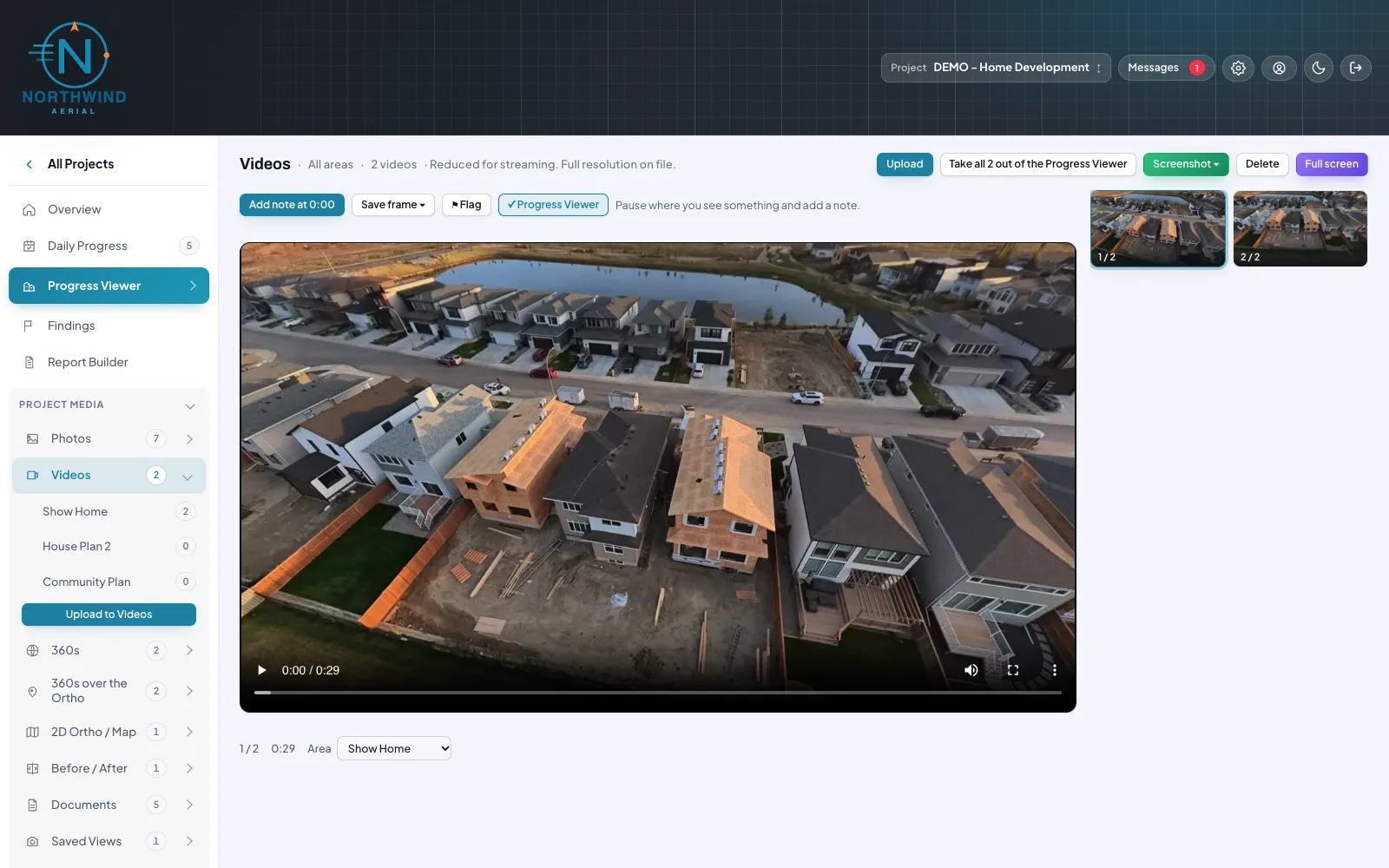
Each project links to one FlightHub project, so one client's flights never land in another client's job. From the project's Settings, Bring In Flights and Files brings a flight's media into the project, where photos go to Photos with their date and GPS, infrared frames ending in _T go to Thermal with real temperatures, and video gets a streaming copy. Owners and admins can also send photos to DJI's 2D, 3D or LiDAR processing on your own FlightHub plan from Process Drone Data, so you pay DJI directly and UERSIS adds no per-image cost.
Your client signs in free and sees the photos, thermal frames and video in one project, with the findings you flagged and the report you built. Annotations drawn in FlightHub 2 can come along too, exported as KML or KMZ and laid over the site's orthomosaic. Log each take-off in Drone Ops and share a short flight summary with the client when you want them to see it.
DJI FlightHub 2 Equipment and Files
FlightHub 2 organization
- What it captures
- Your drones and docks, with online status
- Files
- Organization Key (pasted once)
- Where it goes in UERSIS
- Account → Our Gear → DJI FlightHub 2
- Good to know
- Owners and admins. Pick the region your organization uses. The key is sealed and never returned to a browser.
FlightHub 2 flight media
- What it captures
- Wide, zoom and infrared photos and video from DJI Pilot 2 or a DJI Dock
- Files
- JPG, MP4
- Where it goes in UERSIS
- Project Settings → Bring In Flights and Files, then Photos, Thermal and Videos
- Good to know
- Link the project to one FlightHub project first. Infrared photos keep their _T ending so temperatures are read.
FlightHub 2 processing (on your own DJI plan)
- What it captures
- 2D map, 3D model or LiDAR result from your photos
- Files
- Photos sent to DJI; the result comes back from DJI
- Where it goes in UERSIS
- Project Settings → Process Drone Data
- Good to know
- You pay DJI for processing on your FlightHub plan. Download the finished result and upload it to the matching viewer.
FlightHub 2 annotations
- What it captures
- Points, lines and areas drawn on the project map
- Files
- KML / KMZ
- Where it goes in UERSIS
- 2D Ortho / Map, as a layer
- Good to know
- Draws over a GeoTIFF orthomosaic of the site. SHP is not accepted.
From DJI FlightHub 2 to Your Client's Hub
- In Account → Our Gear, open DJI FlightHub 2, paste your Organization Key and pick its region.
- Check that your drones and docks are listed with their status.
- In a project's Settings, open Bring In Flights and Files and link the project to its FlightHub project.
- Bring in each flight's media; it lands in Photos, Thermal and Videos with its date and GPS.
- Flag findings, build the report, publish the project and invite your client.
Questions
Does UERSIS connect to FlightHub 2 directly?
Yes. Paste your FlightHub 2 Organization Key in Account → Our Gear and your Hub lists your drones and docks with their online status. Each project can then be linked to one FlightHub project to bring its flights' media in.
Does UERSIS charge for DJI processing?
No. Process Drone Data sends your photos to DJI's 2D, 3D or LiDAR processing on your own FlightHub plan, so you pay DJI directly and UERSIS adds no per-image cost. Download the finished result and upload it to the matching viewer.
Which UERSIS plans include the FlightHub connection?
The connection, Bring In Flights and Files and Process Drone Data are there for owners and admins on every plan. Photos and Videos come with every plan; thermal reading starts on Solo, with spots, boxes and isotherms on Team and up. Every plan starts with a 14-day free trial.
More From UERSIS
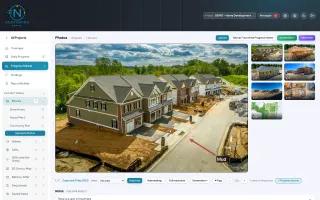 Photos and VideoEvery photo, clip and 360 from the job, where your client can find them
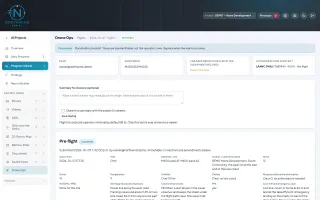 Flight LogsEvery take-off kept with the job it was for
DJI FlightHub 2 and the other product names on this page are trademarks of their owners. UERSIS is independent and is not affiliated with or endorsed by them; it reads the files their products export.