UERSIS is drone inspection report software that turns a project's own files into a branded online report and PDF your client reads, shares and signs off.
Most inspection reports are still built by hand. Someone copies photos out of a shared drive into a Word file, types a note under each one, exports a PDF and emails it. Then the questions start: did they get it, did anyone read it, who approved it, and which version is the latest? The answer is usually somewhere in an inbox.
In UERSIS your team builds the report in the Report Builder, inside the project. A new report starts as a ready draft: chapters set by the project type, a summary written from the project's own numbers, and your saved views and findings already placed. Each chapter takes text, pictures, galleries, video clips, 360s, findings, before and after, and the live viewers themselves. Write a note under each block, ask the SI to check your wording, then press Make Report.
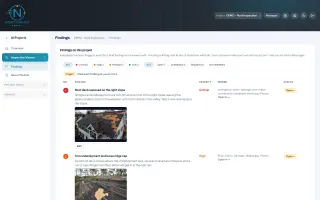
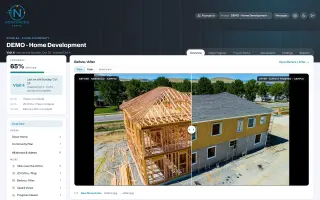
One report gives you two outputs. In the online report, video clips play, 360s turn, the before and after wipes, and each row of the findings table jumps to its pin. The PDF prints under your logo, accent colour and address, or on your own letterhead. Save an edit as a new revision and the online report changes at once while the PDF prints again. Present walks your client through it full screen, one block at a time.
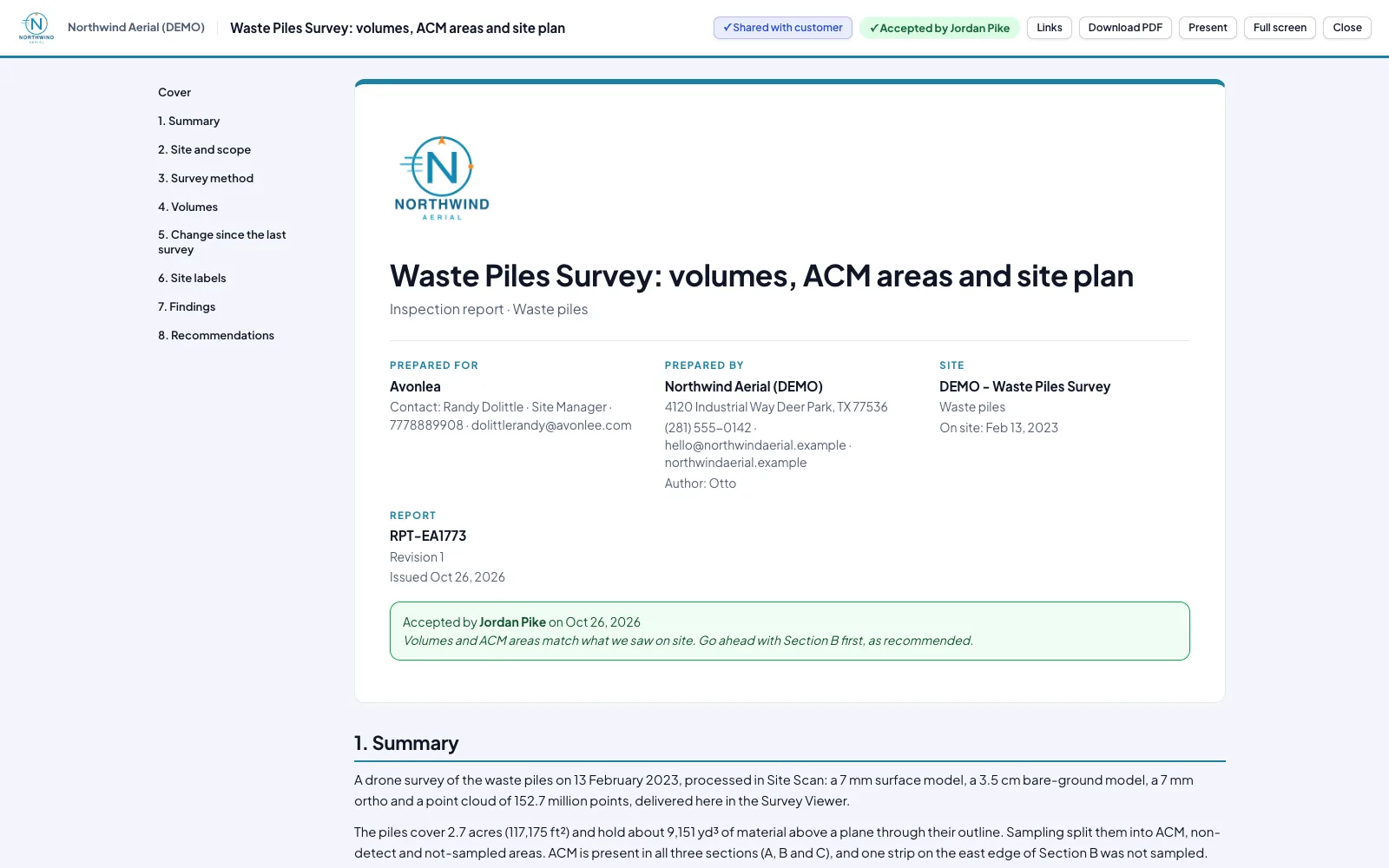
Click Share With Customer and the report shows up in your client's project. Your client signs off with their full name, and the cover then shows who accepted it and on what date, online and in the PDF. They can make a share link for their manager or insurer that lasts 1, 7, 30 or 90 days, and your team is told each time. Each report shows how many times it was opened, when and by whom, so you know it was read, not just sent.
Questions
Can my client sign off the report online?
Yes. Your client opens the shared report, types their full name and an optional note, ticks that they accept it and clicks Sign Off. The cover then shows who accepted it and the date, online and in the PDF. Only the client can sign, and a new revision needs a new sign-off.
Can someone without a login open the report?
Yes, with a share link. Your team or your client picks 1, 7, 30 or 90 days, and anyone with the link can open that one report, read-only. Your team can turn any link off at any time.
Which plans include the Report Builder?
Every plan, including Focus at $99 a seat a month. The blocks on offer follow the sections in the project, so a live viewer block comes with the plans that include that viewer. Every plan starts with a 14-day free trial.