UERSIS is drone roof inspection software for roofs and other assets: every photo, tile and frame in one viewer, with each finding marked, ranked and tracked until it is repaired.
A roof or asset inspection comes back with hundreds of photos, a few videos, maybe a thermal set and a high-resolution grid capture. Finding the handful that matter takes hours, and the defects end up as screenshots with red circles pasted into a Word report. Your client reads it once, and after that nobody can say which defects were fixed.
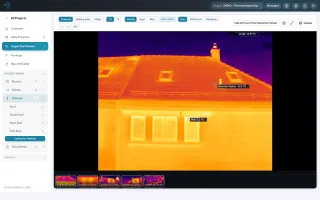
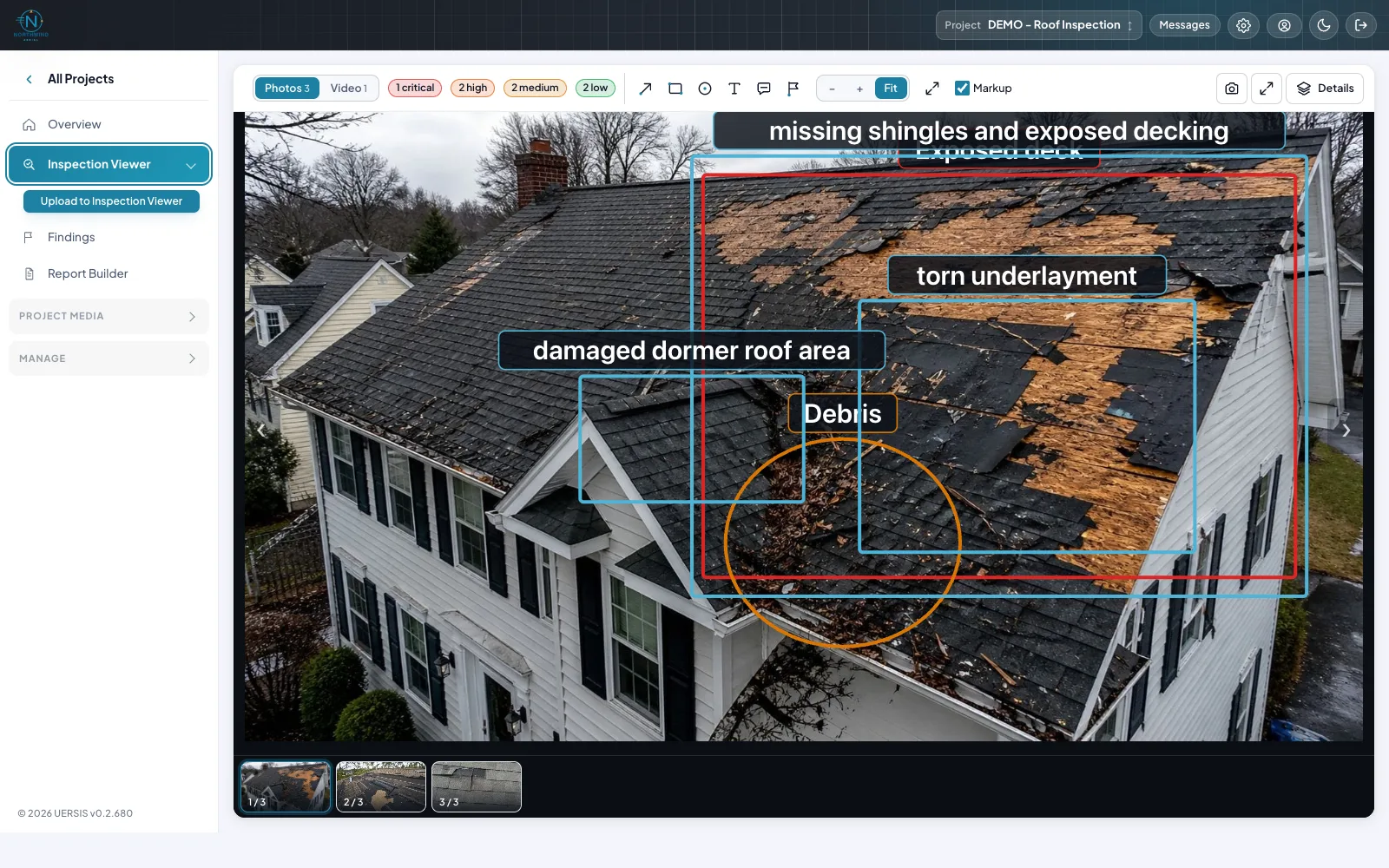
The Inspection Viewer puts the job behind one set of tabs: Photos, Grid Photos, Thermal, 2D Map, 3D Model, Point Cloud and Video, each with a count. Upload a DJI grid capture from the Matrice 4 series as a whole folder, and UERSIS shows the wide frame with the grid drawn over it, so every zoom tile is one click away. On Team and up, the SI describes each photo and can suggest possible findings that only your team sees. They are suggestions for a person to check, not conclusions, and your team decides what becomes a finding.
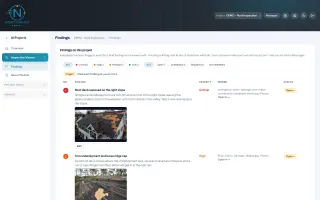
Flag a defect, box the spot on the photo, give it a title and pick Low, Medium, High or Critical. The spot is drawn on the photo in the severity colour and labelled, for everyone who opens it. You can also flag a moment in a video, a thermal frame or a grid tile, which keeps its row and column. Every finding lands on the project's Findings page, worst first.
Your client opens the same viewer and Findings page in your Hub and marks each finding Scheduled, Repaired or Not needed, with a note, and each change reaches your team. In the report, the findings block adds a numbered table with the marked photos, online and in the PDF, and at the next visit it shows what is new and what your client did. The report stops being the end of the job and becomes the repair list.
Questions
Does the SI decide what counts as a defect?
No. The SI describes each analysed photo and can list possible findings, which only your team sees. They are possible defects for a person to check: accepting one adds a note on the photo, and only a person flagging it makes it a finding.
Can I use DJI high-resolution grid photos?
Yes. Upload the whole folder from a Matrice 4 series grid capture: the wide frame, the zoom tiles and the index file. UERSIS matches each tile to its cell, and a finding on a tile keeps the set name and the cell.
Which plans include roof inspections?
The Inspection Viewer comes with every plan from Solo up, and a company that only does inspections can take the Focus plan for the Inspection Viewer at $99 a seat a month, with 360s, Thermal Basic and Before / After. Grid Photos and the SI's suggested roof and building findings come with Team, Business and Enterprise, and Grid Photos is a $25 a month add-on on Solo. Every plan starts with a 14-day free trial.